
Building Your First Browser Game with Three.js and React: Part 4 - Adding Game Mechanics
This is the last post of the series on creating a browser game with Three.js and React. Today, we add the game mechanics to our mini-basketball game: a scoring system with Zustand for state management, and colliders in the Table component to detect when the ball goes through the hoop.
Step 1: Setting Up Zustand
First, we're going to use Zustand to manage our game score. Zustand is a small and fast state management library for React.
There are many state management options for React. I like Zustand because it’s simple, and it’s made by Pmndrs, the people behind R3F!
We need it to store the score of the current game: the Table component increments the score, and the Interface displays it. A store makes it easy to share values across components.
To start, we need to install it:
npm install zustand
With Zustand installed, let's create the store: a file that defines the values we want to store and share across components.
To do this, create a new file named src/stores/useGame.js and set up the store:
import { create } from 'zustand'

export default create((set) => {
  return {
    /**
     * Score
    */
    score: 0,
    increment: () => set((state) => ({ score: state.score + 1 })),
  }
})
The store is simple. It has one variable, score, which counts the balls we score, and an increment function that increases it.
Step 2: Displaying the Score
Next, we'll display the score on the game interface by creating a very simple HTML interface.
First, create a new file named Interface.jsx inside the src/ directory:
import useGame from "./stores/useGame"

const Interface = () => {
  const points = useGame((state) => state.score)

  return <div className="points">
    <h1>{points} points</h1>
  </div>
}

export default Interface
This interface gets the current score from our store and displays it within a div inside an h1 tag.
Next, we need to import it into our app. Since this component is not 3D-related, let's add it to our main.jsx file outside of our Canvas:
import React from 'react'
import ReactDOM from 'react-dom/client'
import { Canvas } from '@react-three/fiber'
import Experience from './Experience'
import './index.css'
import Interface from './Interface'

ReactDOM.createRoot(document.getElementById('root')).render(
  <React.StrictMode>
    <Interface />
    <Canvas>
      <Experience />
    </Canvas>
  </React.StrictMode>
)
You should see your interface in the top-left corner of the scene, as shown:
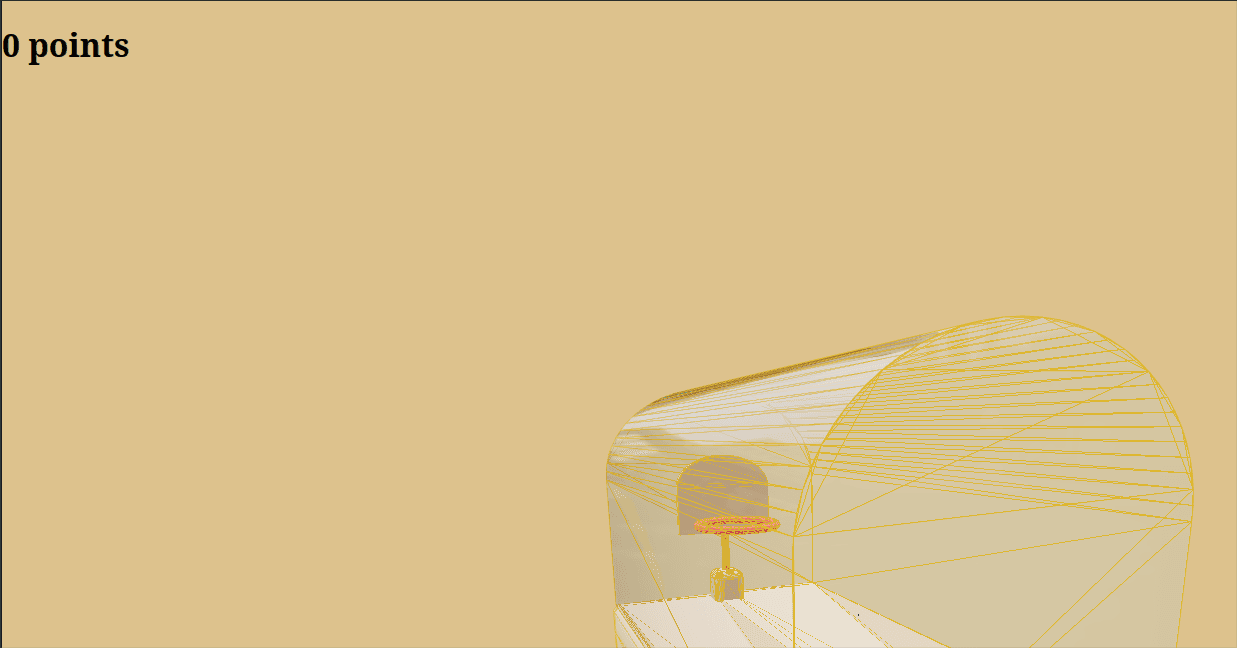
It works, but it’s very ugly. Let's add some CSS to make it look a little better. Open the existing index.css file and append the following at the end:
.points {
    position: fixed;
    top: 0;
    left: 0;
    width: 100%;
    z-index: 999;
    display: flex;
    justify-content: center;
    align-items: center;
    color: #fff;
    font-size: 1.25rem;
}
Great! The text is now centered, enlarged, white, and a little less unattractive (you can still improve it yourself!):
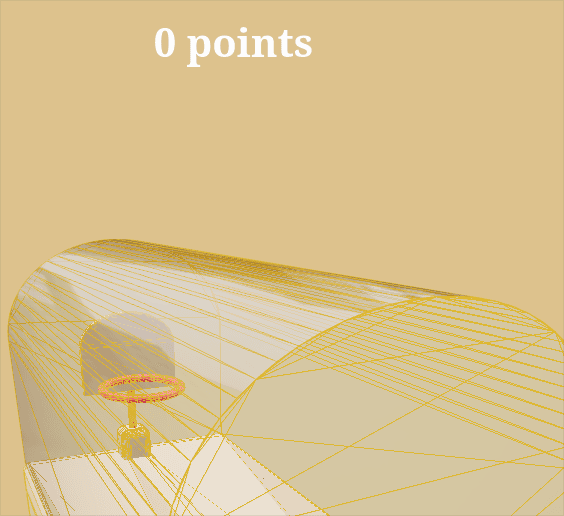
Step 3: Implementing Colliders
Now, we need to detect when the ball passes through the hoop using colliders in the Table component.
Colliders add physics to our objects, and they can also define areas that detect objects passing through.
Let's add our first collider to the hoop. Locate the nodes.Ring.geometry within the Table component:
const Table = (props) => {
  return (
    <group {...props}>
      {/* ... */}
      <CuboidCollider
        args={[0.35, 0, 0.35]}
        position={[-1.686, 1.40, 0]}
        sensor
      >
        <mesh
          castShadow
          receiveShadow
          geometry={nodes.Ring.geometry}
          material={materials.Red}
          position={[0, 0.06, 0]}
        />
      </CuboidCollider>
      {/* ... */}
    </group>
  );
};
We've added a custom CuboidCollider to our Ring with the sensor property. A sensor gives access to functions like onIntersectionEnter or onIntersectionExit. These functions can detect when an object enters or exits this specific collider. If we define a collider with the sensor, this collider won't generate any contact points. Its only purpose is to detect other objects.
Remember to adjust the position of our Ring. This is because now it's the parent collider that defines the position of our mesh.
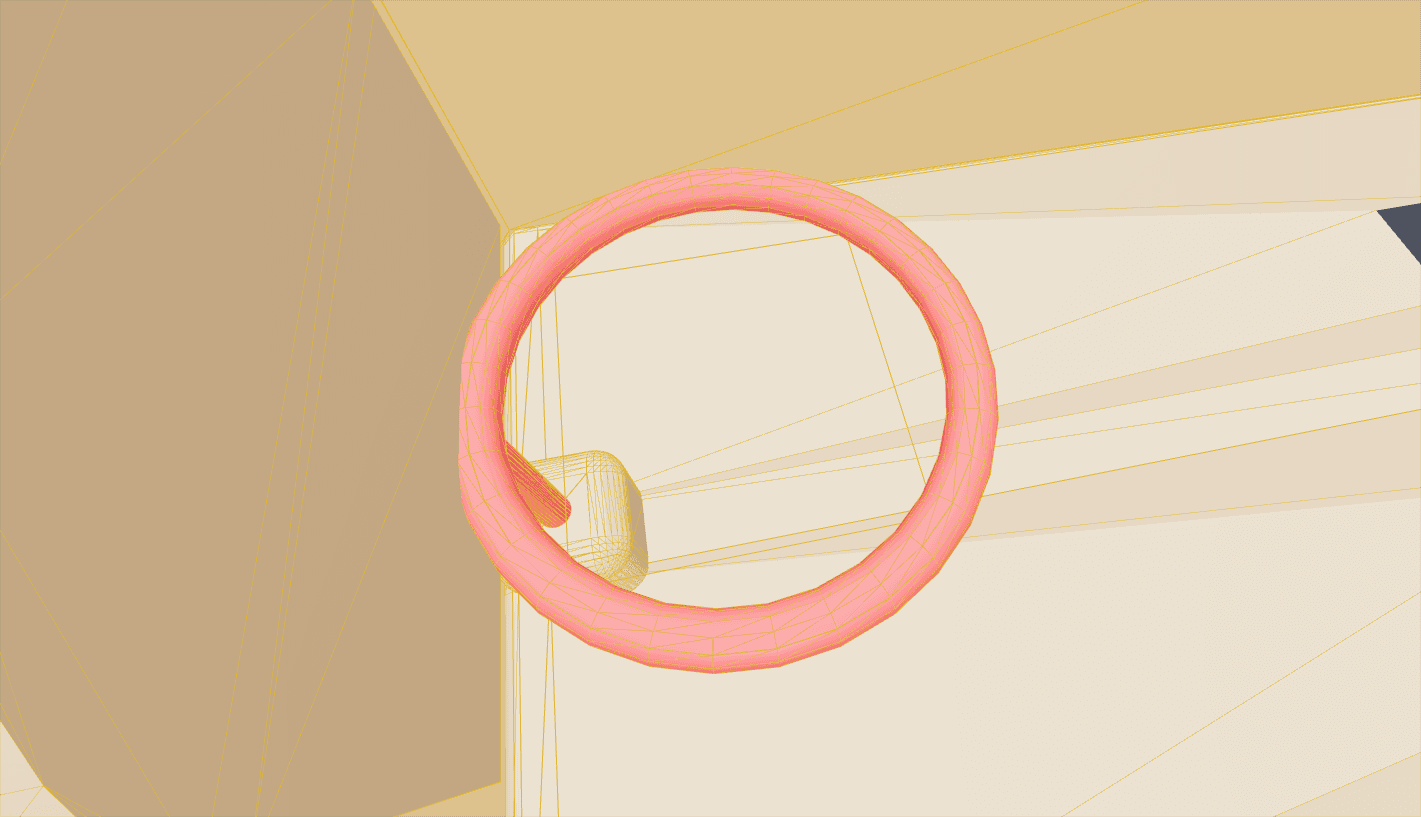
Now, if you look inside your ring, you should see the cuboid collider as illustrated below:
This component should detect when the ball enters it. To do this, we add a function at the beginning of our component and use it in our collider:
import useGame from '../stores/useGame';

const Table = (props) => {
	// ...
  const increaseScore = useGame((state) => state.increment)
  // ...

  return (
    <group {...props}>
      {/* ... */}
      <CuboidCollider
        args={[0.35, 0, 0.35]}
        position={[-1.686, 1.40, 0]}
        sensor
        onIntersectionExit={increaseScore}
      >
        <mesh
          castShadow
          receiveShadow
          geometry={nodes.Ring.geometry}
          material={materials.Red}
          position={[0, 0.06, 0]}
        />
      </CuboidCollider>
      {/* ... */}
    </group>
  );
};
We've created a function called increaseScore that calls the increment function from our store. This function is used within the onIntersectionExit property of the CuboidCollider.
You can now play your game! Let's score some balls.
However, there is a problem.
You may have noticed that sometimes the score increases by two, or if the ball bounces too much and enters the hoop a second time, the score increases multiple times.
We need to verify this. We need to determine if the ball is returning to our thruster.
To do this, we already have all the necessary information! We just need another collider! 🎉
Let's add this collider and implement some conditions for our goal:
import { useRef, useState } from 'react'
import useGame from '../stores/useGame';

const Table = (props) => {
  // ...
  const [isScored, setIsScored] = useState(false)
  const increaseScore = useGame((state) => state.increment)
  const goal = () => {
    if(!isScored) {
      setIsScored(true)
      increaseScore()
    }
  }
  // ...

  return (
    <group {...props}>
      <RigidBody type='fixed' colliders='trimesh' restitution={0.6} friction={0}>
        <mesh
          castShadow
          receiveShadow
          geometry={nodes.Table.geometry}
          material={materials.Wood}
          position={[0, 0.068, 0]}
        />

	      {/* Add this collider inside the RigidBody of the Table mesh */}
        <CuboidCollider
          args={[0, 2, 1.5]}
          position={[1.5, 1.5, 0]}
          sensor
          onIntersectionExit={() => {
            setIsScored(false)
          }}
        />
      </RigidBody>
      {/* ... */}
        <CuboidCollider
          args={[0.35, 0, 0.35]}
          position={[-1.686, 1.40, 0]}
          sensor
          onIntersectionExit={goal}
        >
          <mesh
            castShadow
            receiveShadow
            geometry={nodes.Ring.geometry}
            material={materials.Red}
            position={[0, 0.06, 0]}
          />
        </CuboidCollider>
      {/* ... */}
    </group>
  );
};
Here's what we've done: we've added a state to our Table component using the useState hook. This state helps us determine whether we've already scored or not. We've also created a goal function to increment the score and set this state to true. This prevents indefinite score incrementing when the ball has already been scored but hasn't returned to the thruster yet.
To detect if the ball has returned to the thruster and is ready for another shot, we've placed a new CuboidCollider on our Table and reset the state to false.
You should now see the new collider positioned right in front of the thruster.
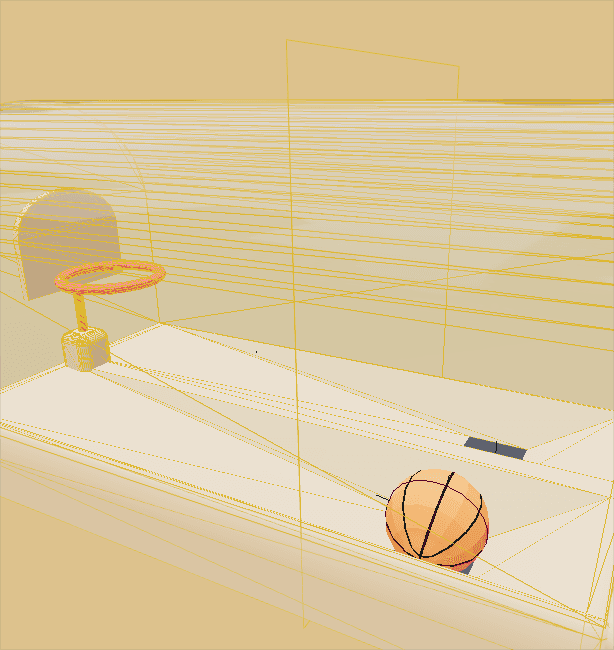
Now, when we launch the ball and it passes through our hoop, the goal function checks if we've already scored. If we haven't, it increments our score and sets the state to true. When we pass through our new Collider in front of our thruster, this variable switches to false, and we're ready to score again.
This improvement prevents us from scoring multiple points with one shot like we could before.
Finally, we can go to our Experience.jsx file and delete the debug property from the Physics component.
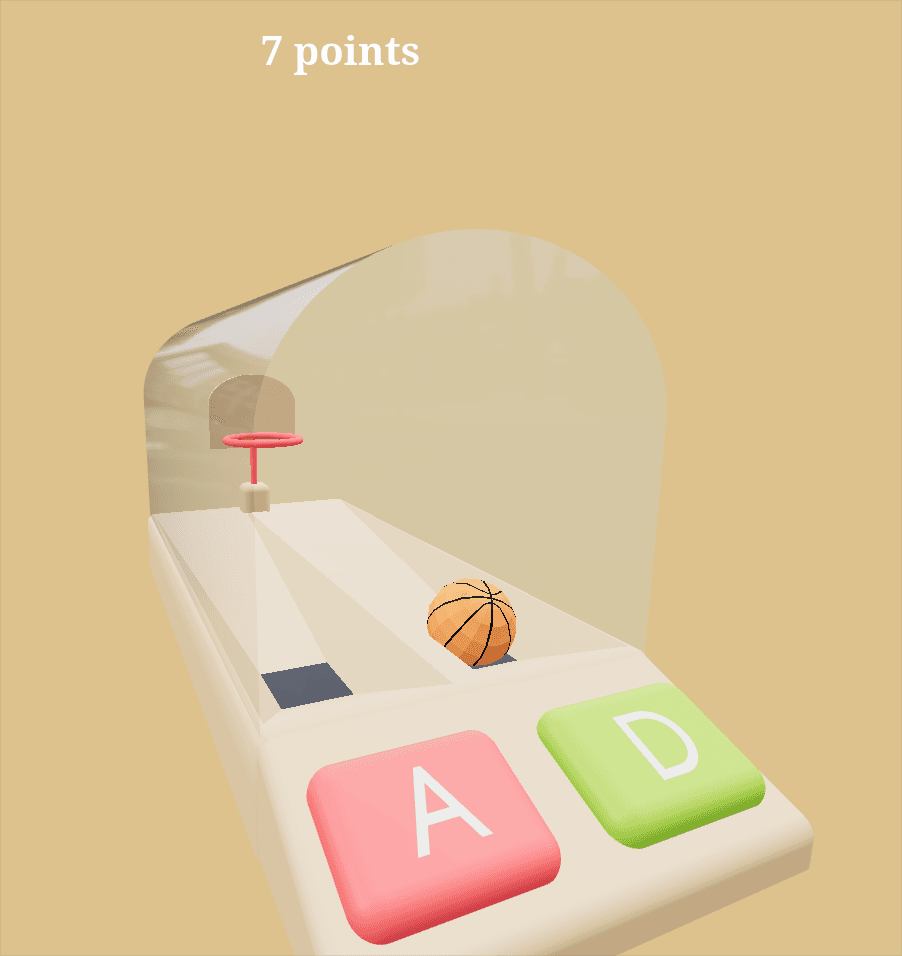
Conclusion
You now have a working mini-basketball game with a scoring system, built with Three.js and React. That's the end of this series on building your first browser game. Keep experimenting and adding features to your game!
Later, I'll write some bonus articles to improve the game, like adding confetti when you score.
There's always room for improvement in this game! For instance, Aezakmi from the Three.js Journey Discord suggested adding some "randomness" to the force of the thruster. I've included his message below in case it sparks some ideas:
So basically you have "puncher" state between 0 and 1, where 0 is full down, and 1 is full up. To calculate the force you gotta do the (1.0 - puncherState)*forceValue . For example if the ball collide with puncher being halfway up, you gonna apply (1.0 - 0.5) * forceValue and if pucher is full up the force gonna be zero (1.0 - 1.0) * forceValue.
Now we need to calculate the direction for the force to apply. Thats gonna be even easier. Just do new Vector3().subVectors(ball.position, puncher.position).normalize().
It's a bit more advanced, but after this series, I think you can handle it!
Thanks for following this series! Tell me what you thought of it on Twitter.